Upload artwork for imported campaigns on PrintBase
For PrintBase orders of imported campaigns, you will need to upload the artwork for the ordered items before fulfilling them. In this article, we will guide you on how to upload artworks for campaigns in 2 ways:
In this article
A. Upload artwork from the order detail page
B. Upload artwork from the campaign detail page
C. Upload and edit your artwork design
A. Upload artwork from the order detail page
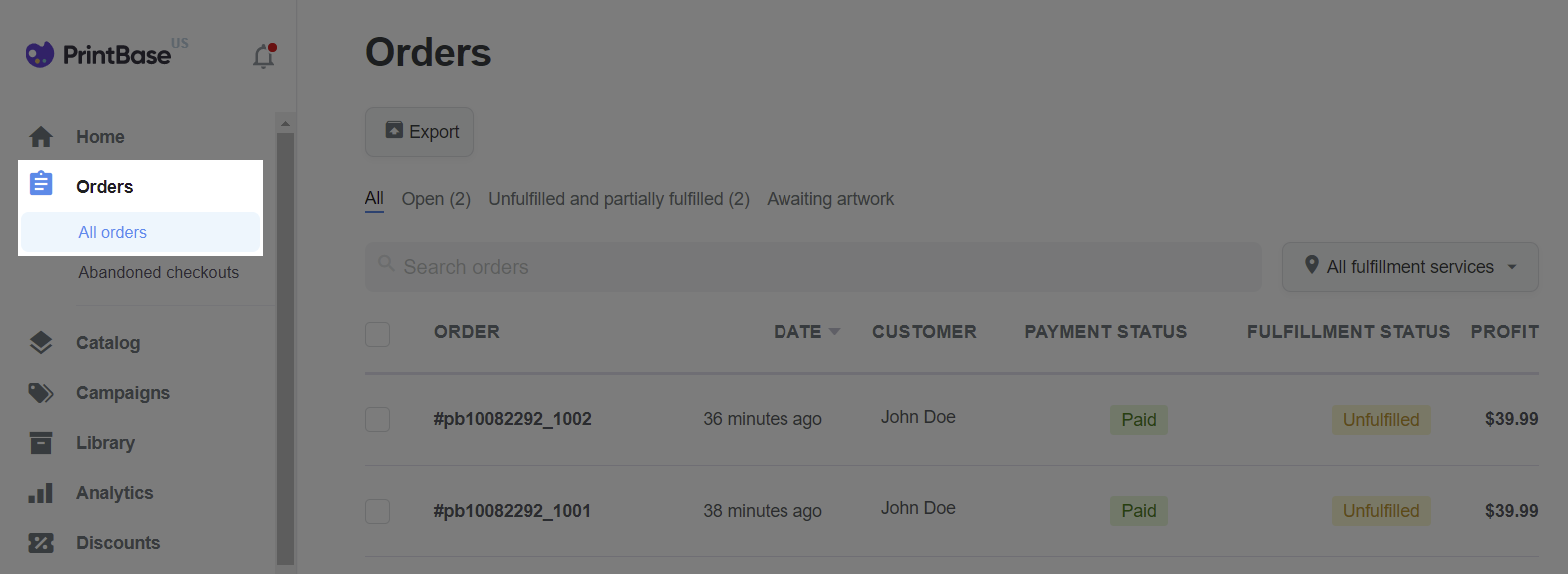
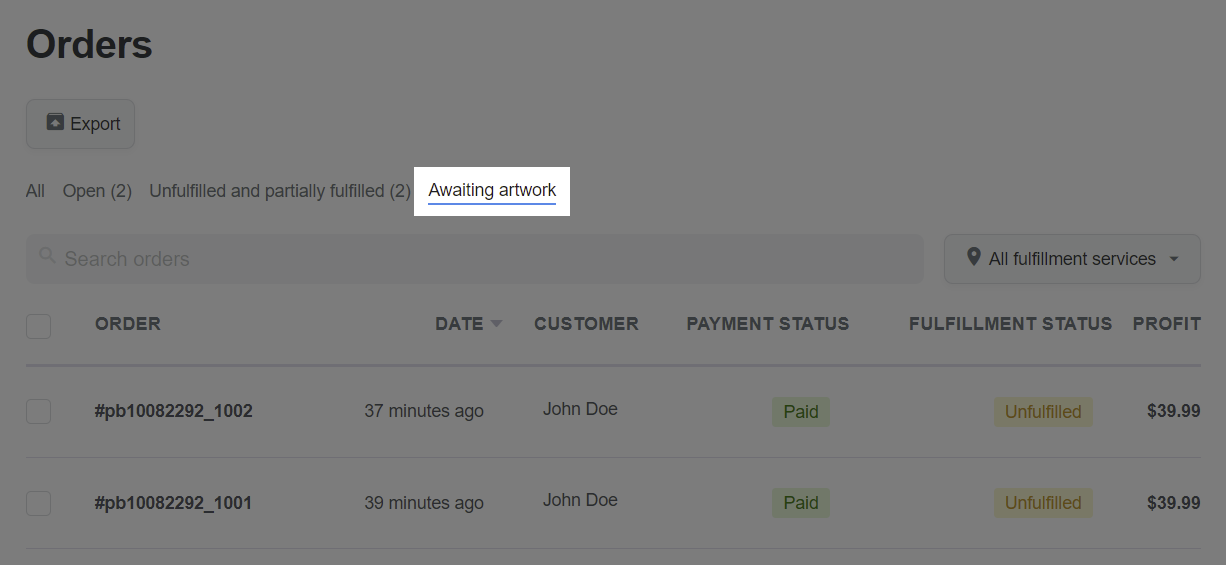
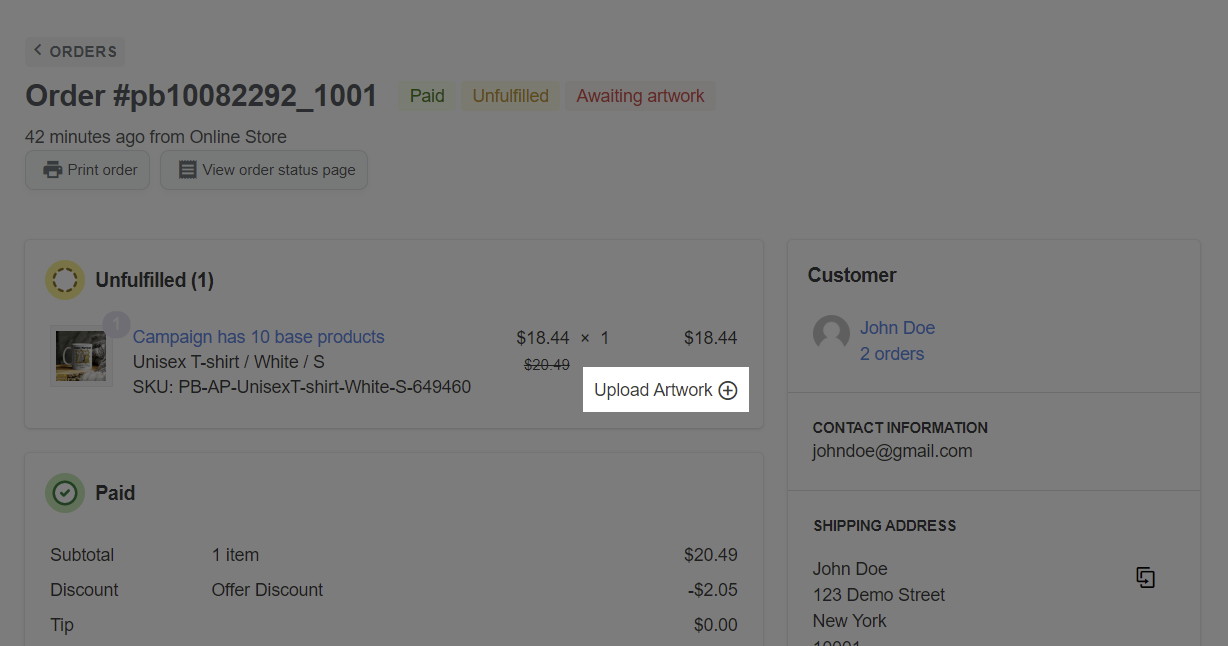
You can only upload artwork for items in imported campaigns.
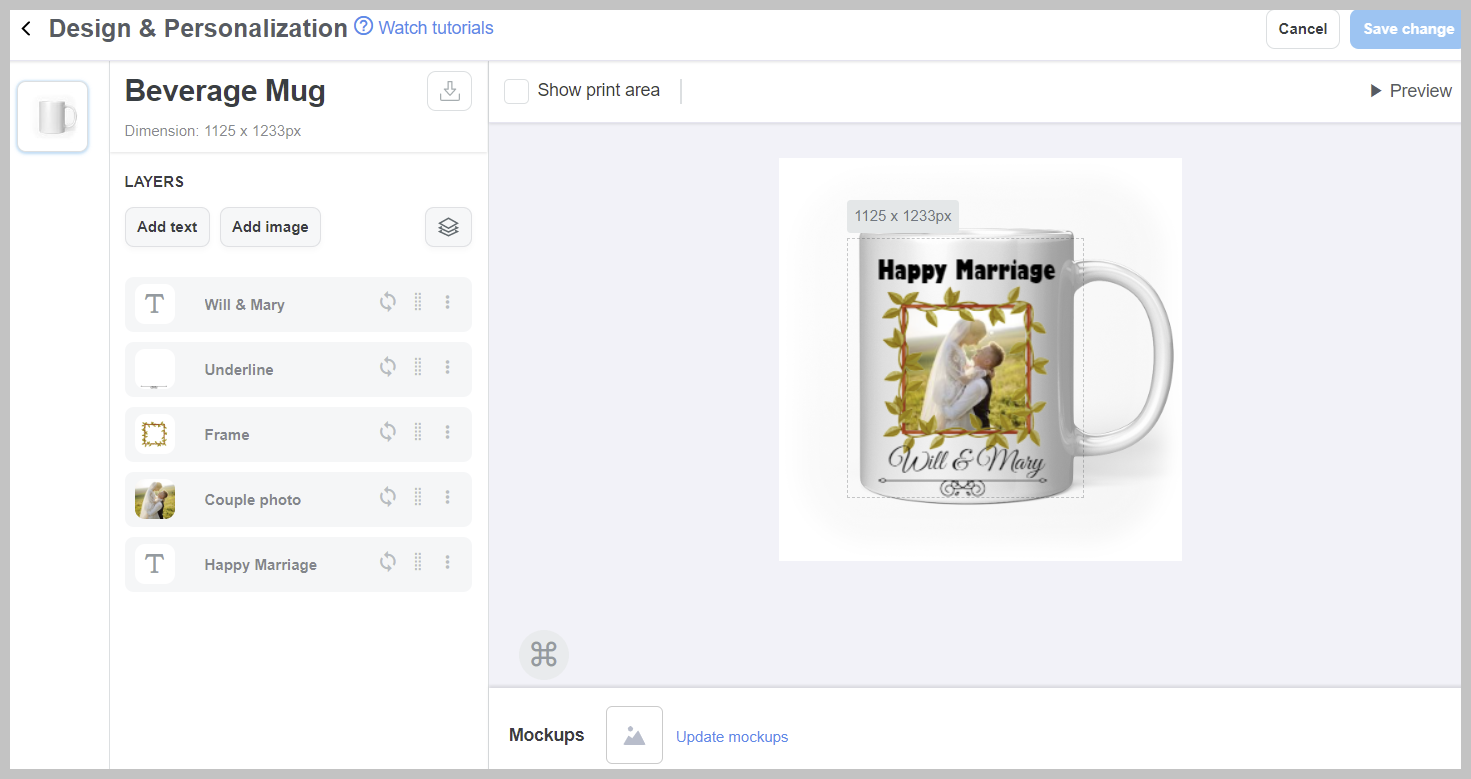
For orders that contain items waiting for artwork to be uploaded, please upload the artwork within 36 hours following the order confirmation time. Read more: Policy for PrintBase's Sellers - Orders containing awaiting artwork items.
B. Upload artwork from the campaign detail page
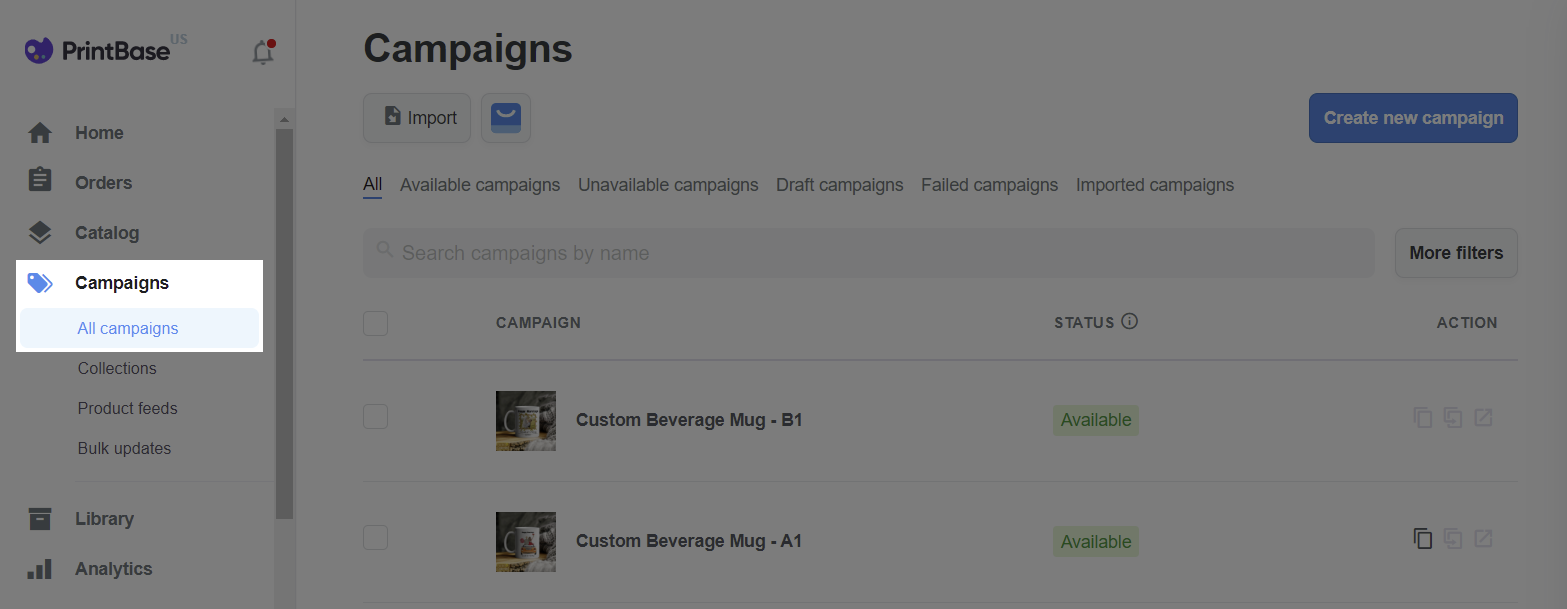
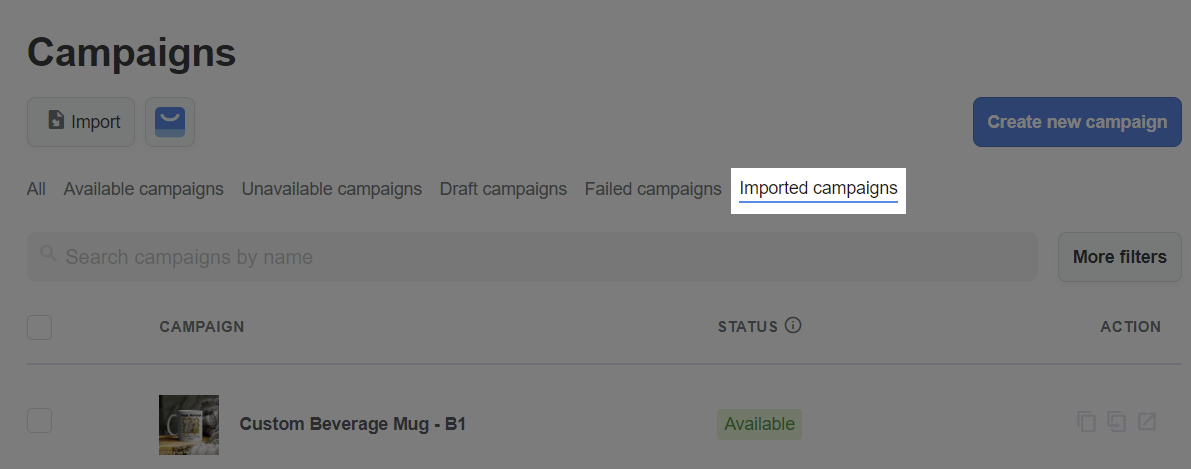
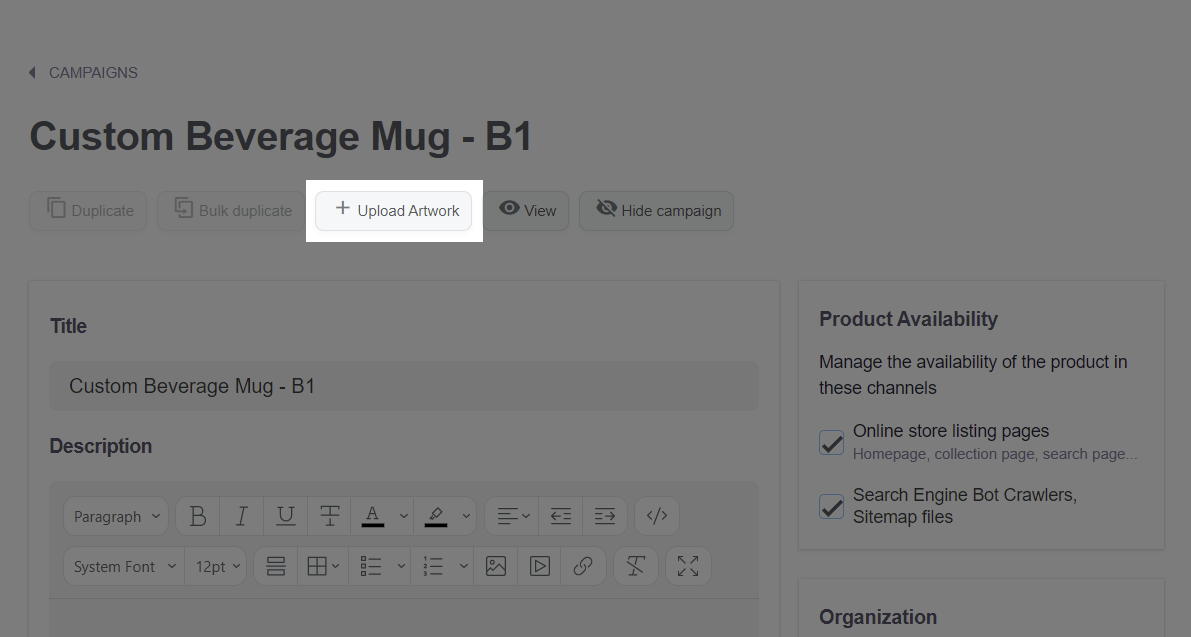
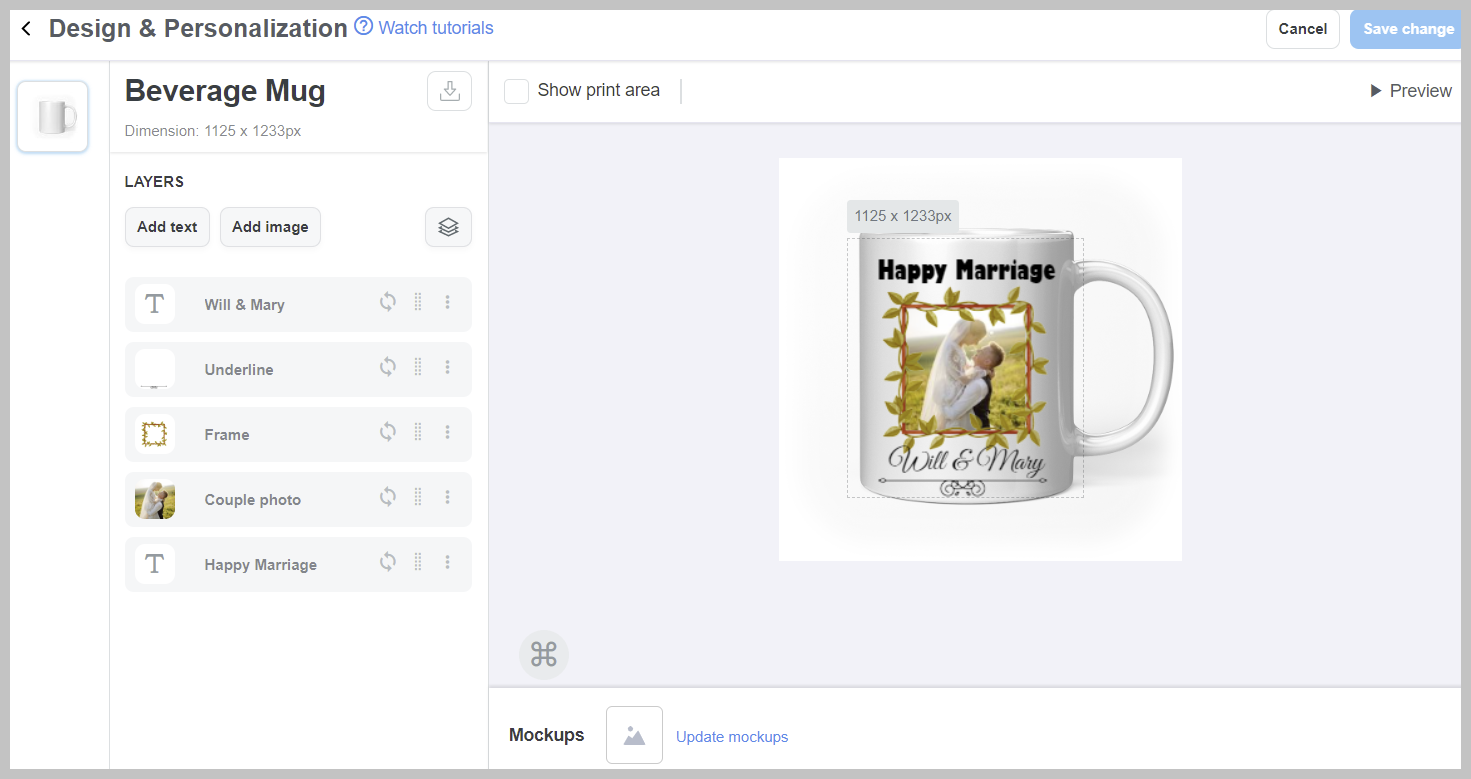
C. Upload and edit your artwork design
Before creating a campaign, you should prepare all necessary artwork files that will be printed on the product. PrintBase allow sellers to create product designs by uploading multiple image files (image layers), and adding multiple layers of texts (text layers).
Supported image file formats: .PNG, .JPG, .JPEG, and .PSD.
Supported color mode: RGB.
Please visit this link to download our resource package for a simple personalized campaign. In this resource package, you could find the sample assets as follows:
These files can be named upon your preference, however, simple names will be easily remembered and customized.
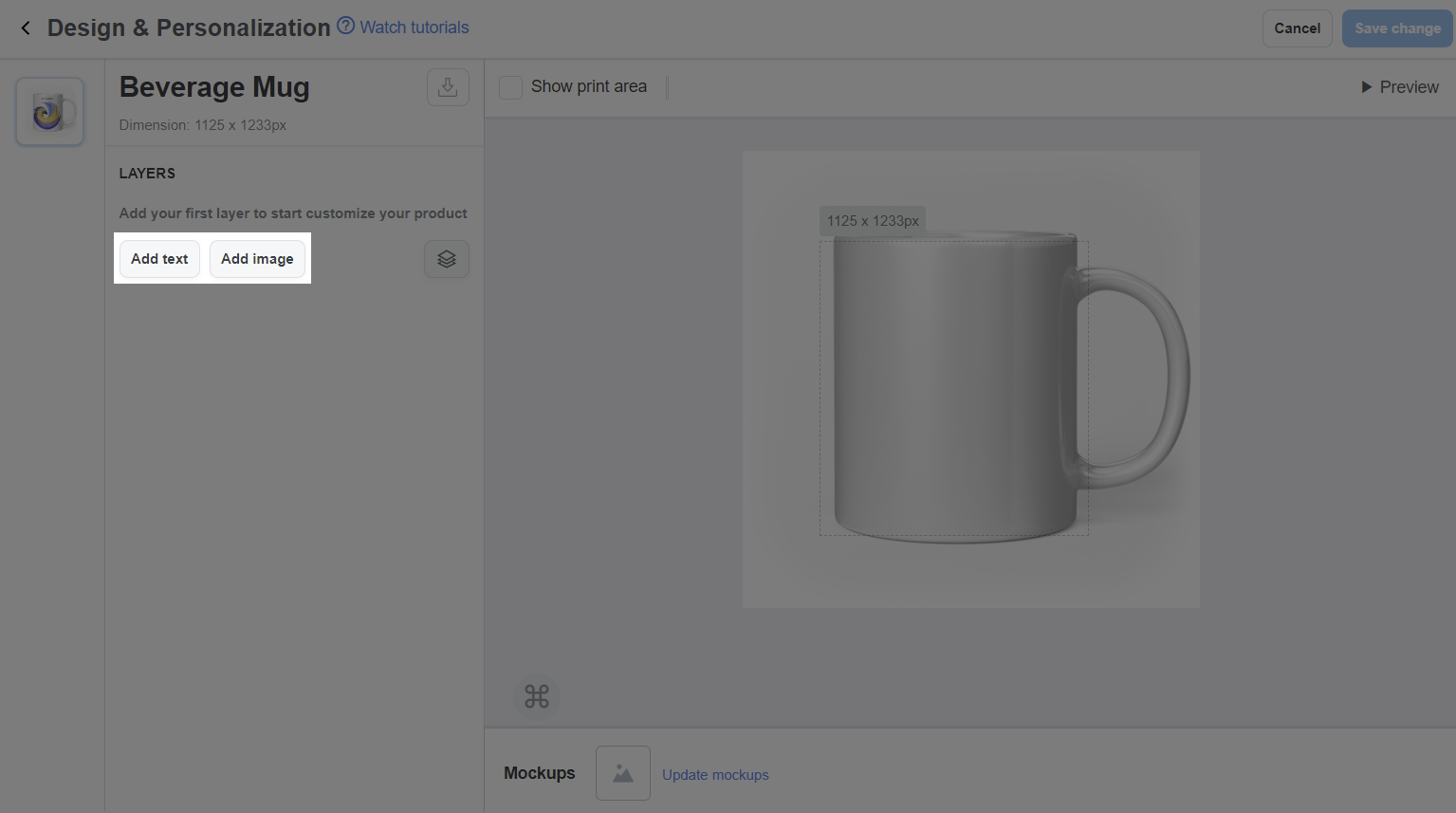
Designs need to follow the dimension and template of your desired products.
You can combine layers into different groups to easily organize and manage them, as well as to create campaigns with multiple design versions for your customers to choose from. Please refer to this article for more information about layer groups.
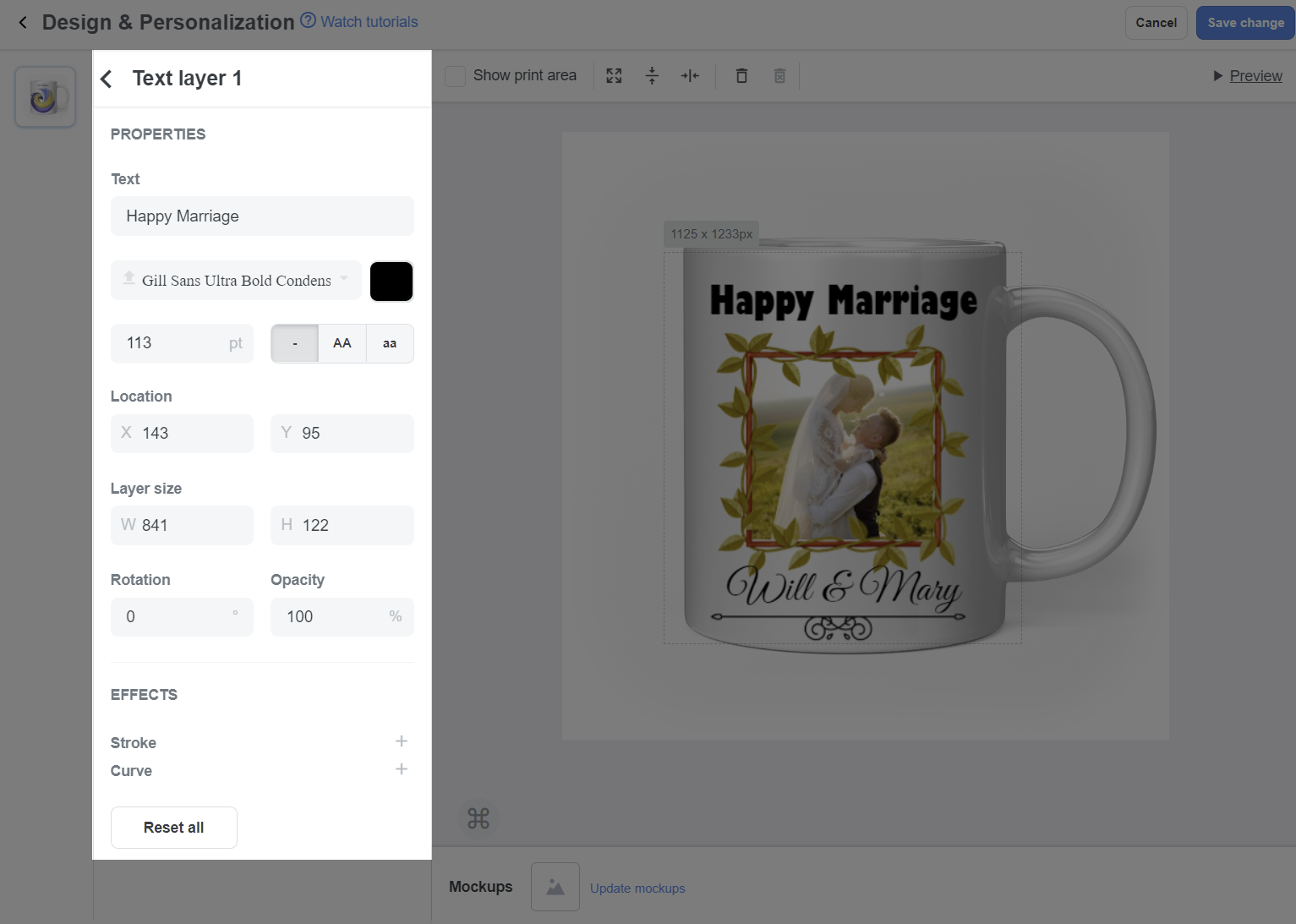
Click the Text layer to edit Text, Font, Size, Color, Letter case, Location, Rotation, Opacity.
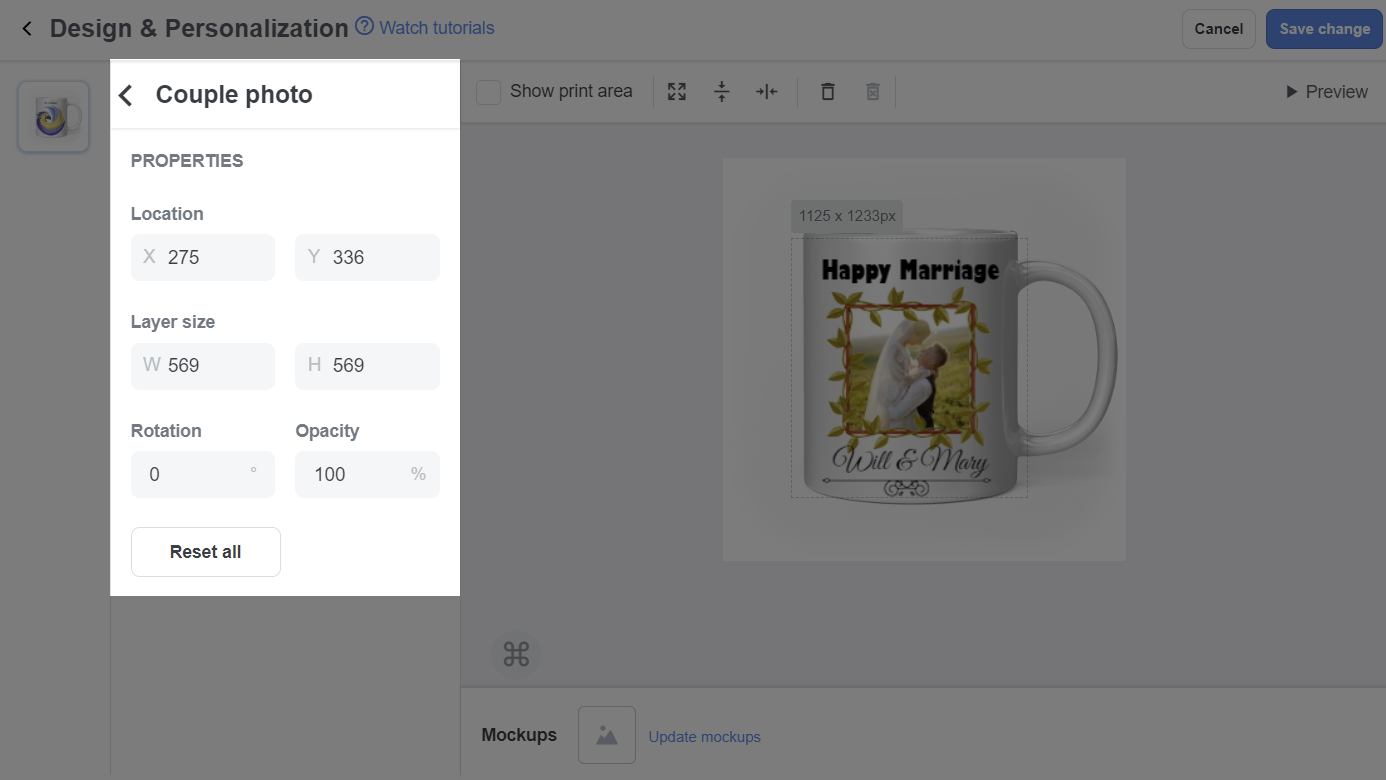
Click the Image layer to edit the uploaded artwork in terms of Location, Size, Opacity, etc. of each artwork.
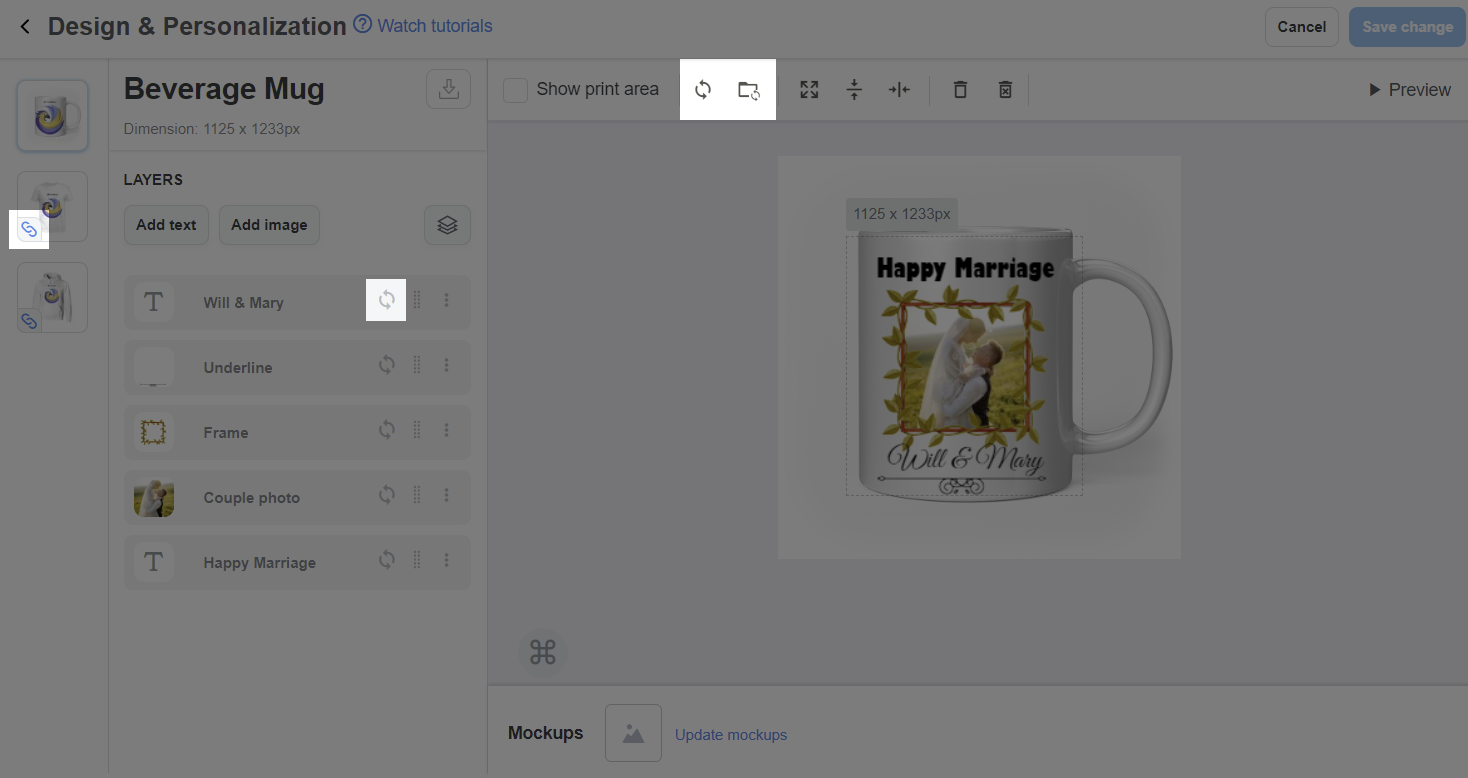
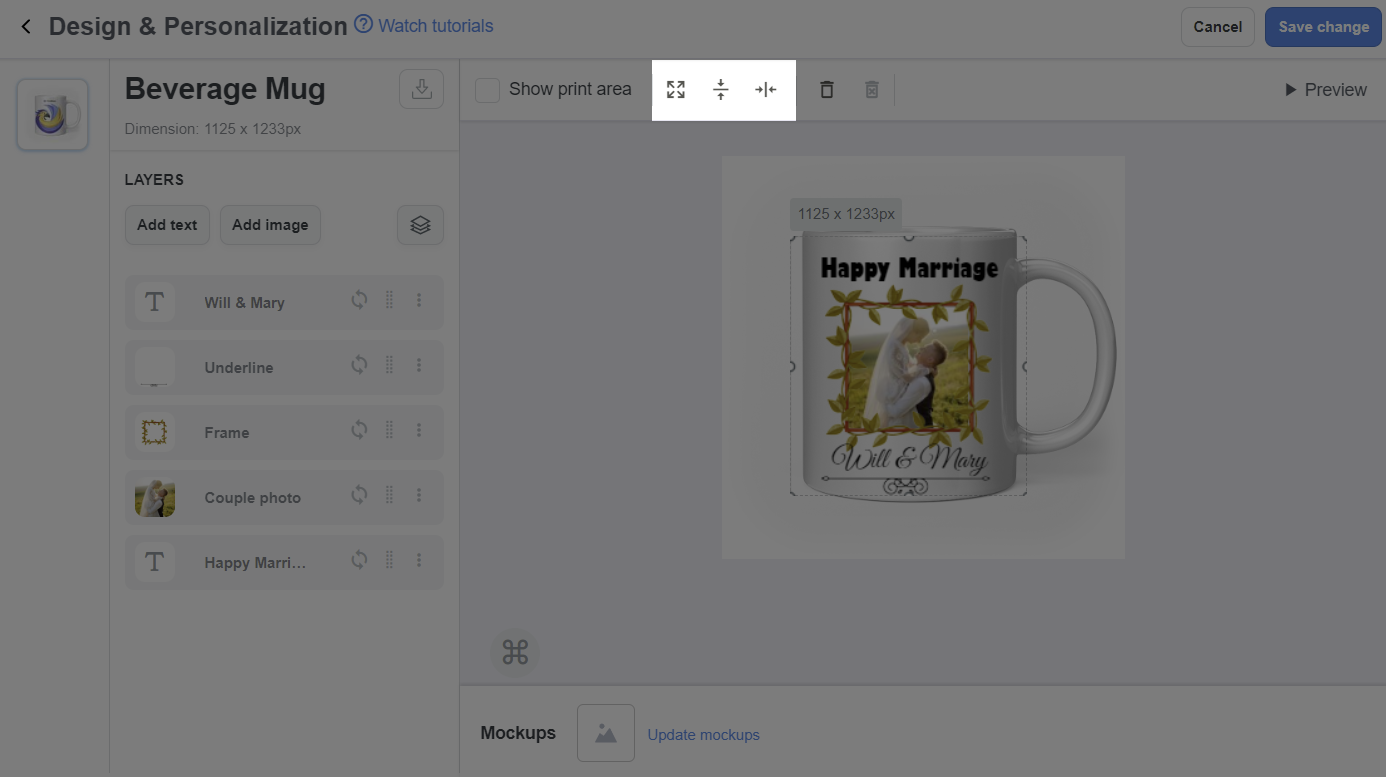
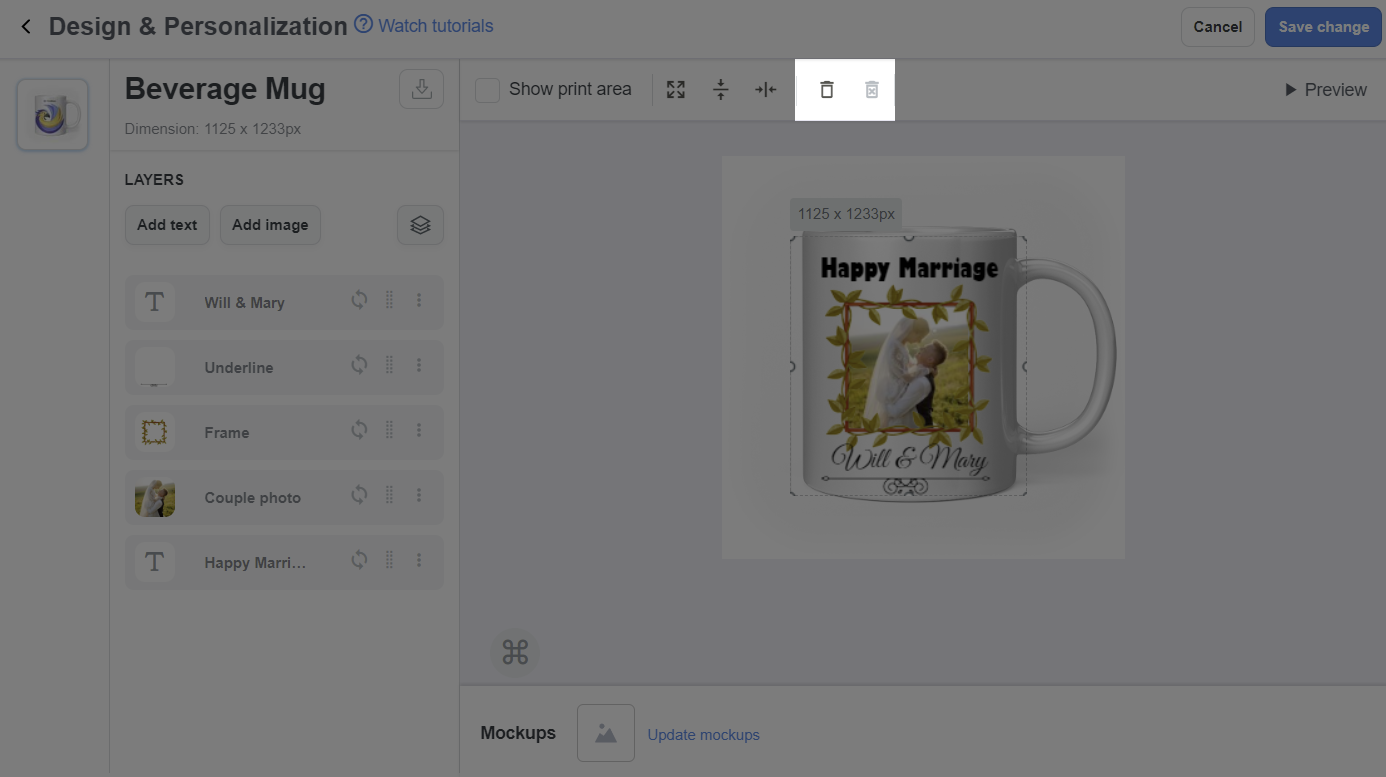
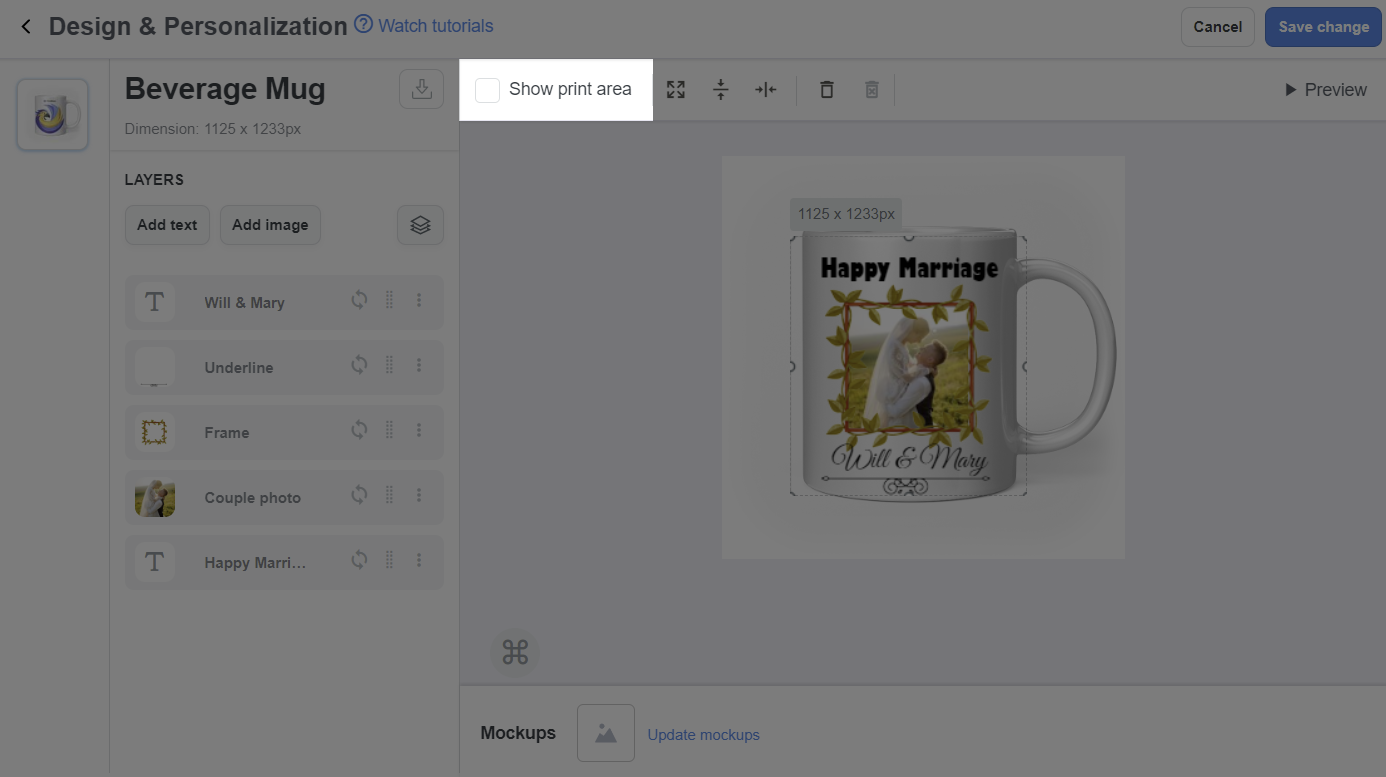
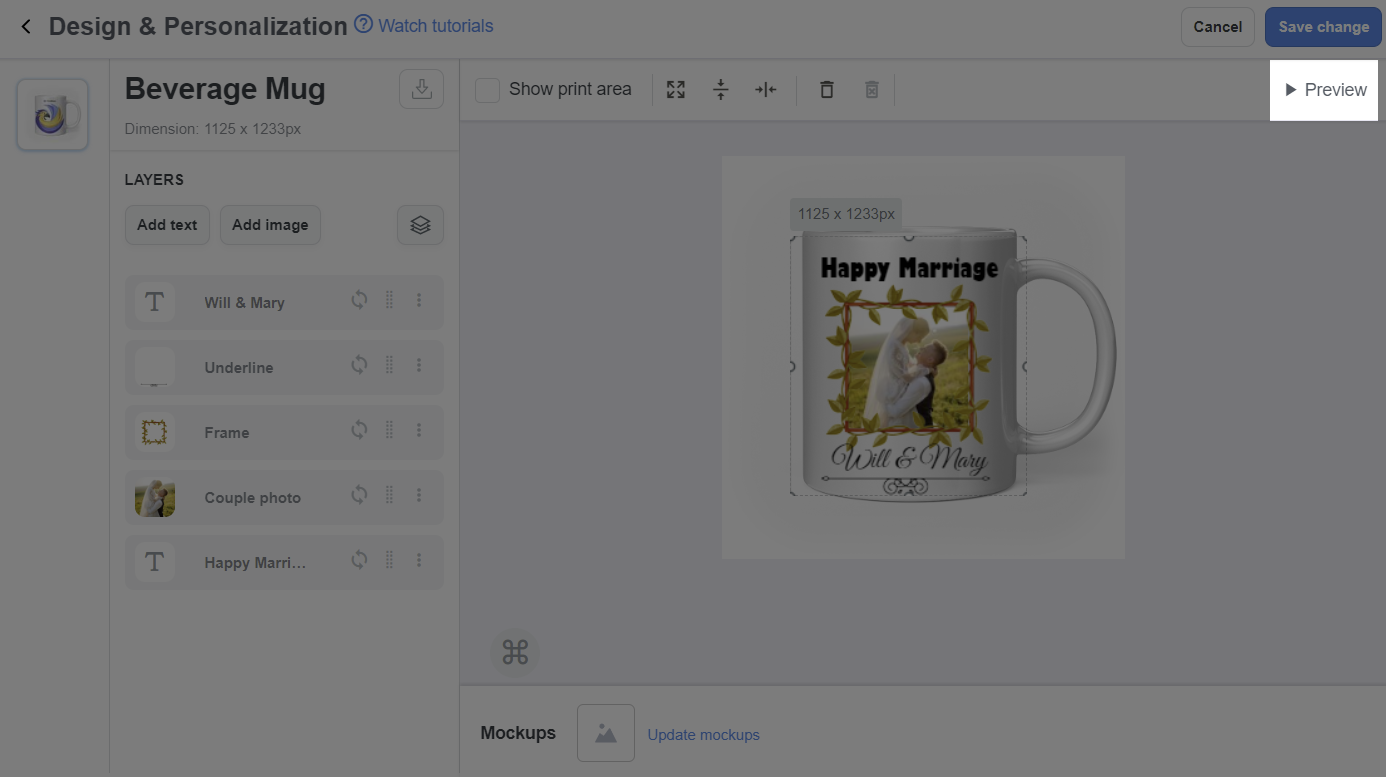
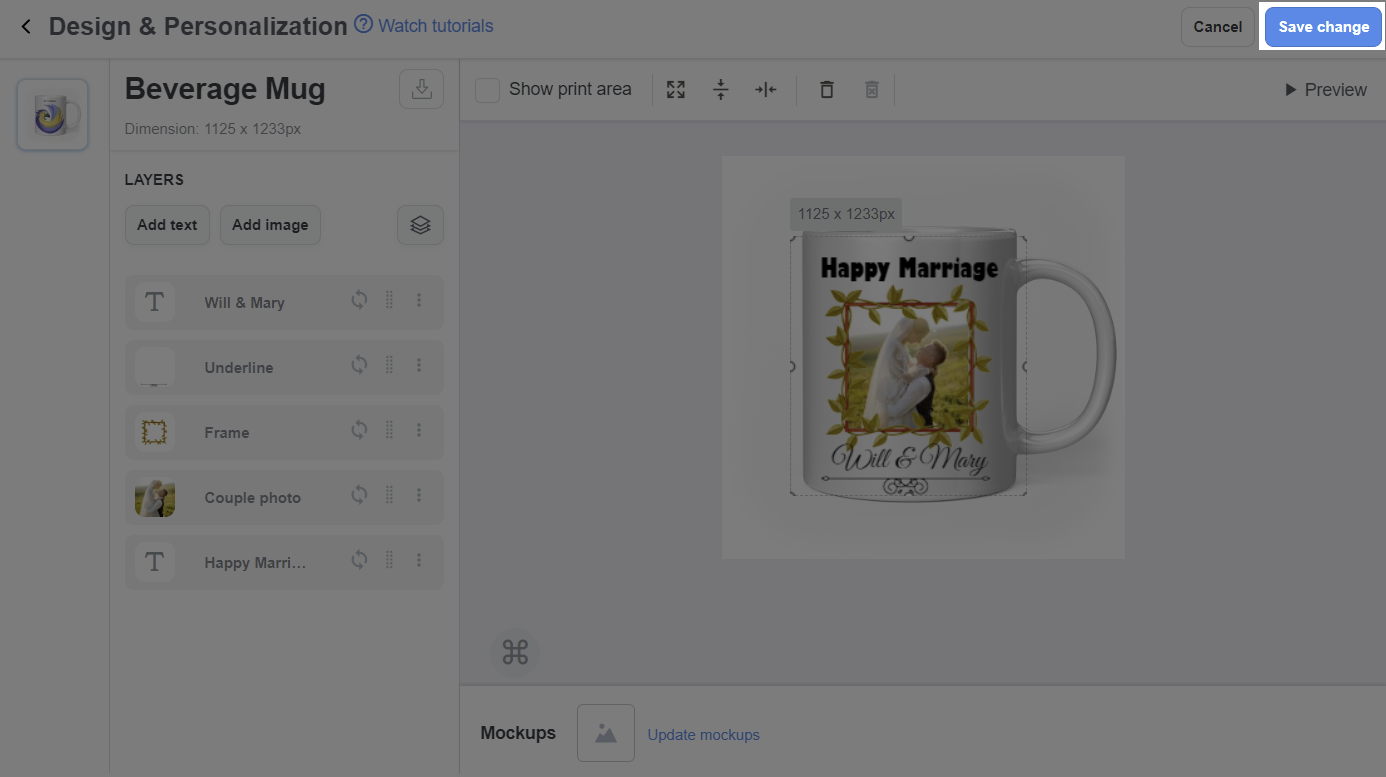
After uploading artwork for the campaign, you can update the artwork and the changes will be automatically applied for all unfulfilled orders.